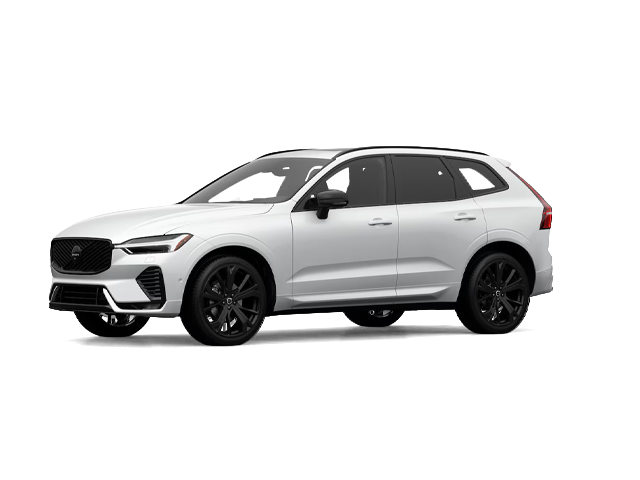
Photo for illustrative purposes only.
Find out moreVolvo Cars Toronto

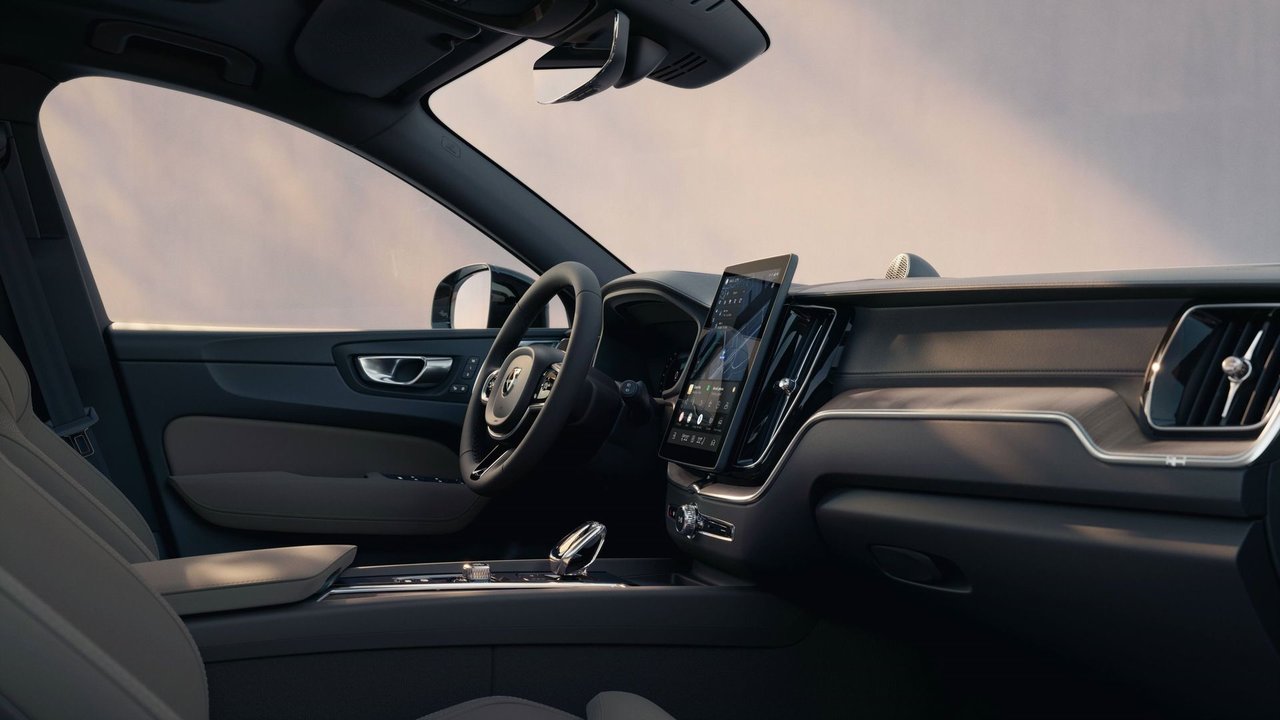
Morning traffic on the Gardiner doesn’t leave much patience for fumbling with a phone mount or hunting through menus for a playlist. The 2026 Volvo XC60 pairs its cabin with Google built-in, a system meant to keep your hands on the wheel and your eyes on the road while still getting you where you’re going.
Google built-in is not the same thing as plugging your phone in for mirrored apps. It’s Google’s own software running natively inside the XC60’s operating system, so navigation, voice commands, and app access live on the car’s own display rather than a copy of your phone screen. The XC60 runs this through its 11.2-inch centre display and 12.3-inch driver display, both standard equipment across the lineup.
Because the software is part of the car, it works whether or not your phone is even in the cabin. That matters on a day when your phone is charging in a bag or a coat pocket.
Volvo redesigned the layout around what it calls Volvo Car UX, an interface update built to cut down on taps. The most-used apps, including maps, media, and phone, now sit together on the home screen instead of being buried in separate menus.
That means a driver following turn-by-turn directions can switch a song without leaving the navigation screen first. A contextual bar also adjusts what’s shown based on the situation. At low speeds, for example, the outside camera icon surfaces automatically, which is useful when you’re threading into a tight parking structure downtown.
Google Maps built-in lets you search for a destination, a charging station, or a restaurant directly from the centre display in a few taps. You can also send a destination to the car ahead of time through the Volvo Cars app, so the route is already loaded before you get in.
Voice commands handle a lot of the routine work. A driver can ask for directions, dictate a text message, or ask a quick question without pulling a phone out of a pocket or bag. Common requests fall into a few buckets:
Keeping these tasks inside the car’s own interface, rather than switching to a phone, is the point. Fewer glances down at a screen in your hand means fewer distractions during a lane change or a sudden stop.

A connected cabin earns its keep in the ordinary moments, not the highway cruise. Stop-and-go traffic on a downtown arterial means constant small decisions: a lane closes, a detour opens up, a parking garage entrance is easy to miss. Rerouting and searching for a new destination without leaving the map view saves the back-and-forth that used to mean juggling a phone at a red light.
Multi-stop days work the same way. Grocery run, school pickup, an appointment across town: each stop is a fresh destination search, and having that search live on the dash rather than a phone screen keeps the whole sequence quicker.
Volvo also rolled out an over-the-air software update to bring this updated interface to eligible Google built-in vehicles built as far back as 2020, at no charge, provided the car has an active data connection and stays current on software updates. That means the cabin experience is designed to keep improving after the vehicle is already on the road, not stay frozen at the day of delivery.
This feature set suits a driver who wants a straightforward, connected cabin without learning a new system from scratch. If you already use Google Maps or a Google account on your phone, the interface will feel familiar rather than foreign.
Availability differs by trim and powertrain, so the exact bundle isn’t identical everywhere in the lineup. Some trims include the full suite of Google Assistant, Google Maps, and Google Play Store access, while others carry more limited versions. Ask your XC60 salesperson to confirm what’s included on the specific trim you’re comparing, since the feature list can vary by model year and by market.
Connected features also depend on an active data connection and ongoing software support, so it’s worth asking how updates, app access, and connected services are handled both at delivery and over the years you own the car.
Google built-in turns the XC60’s cabin into a single place for directions, music, and messages, cutting down the back-and-forth between a phone and the dashboard during a drive. For a Toronto-area commute full of traffic shifts and quick stops, that kind of everyday usability adds up more than any single spec.
Visit Volvo Cars Toronto in Toronto to see the 2026 XC60’s Google built-in system in person and ask which trim carries the features that matter most for your daily drive.
Photo for illustrative purposes only.
Find out more
2028 Volvo XC60 and XC90: Big News for Volvo’s Two Best-Selling SUVs, Explained
School runs, daily commutes and weekend drives: that is the mileage Volvo has in mind for its 2028 XC60 and XC90 plug-in hybrids. Both SUVs gain a...
Read more
Comparing Compact Luxury SUVs This Fall With a 2026 Volvo XC40 Checklist
Fall commutes mean wet leaves, early darkness and a lot of stop-and-go. That is a good time to sort a compact luxury SUV shortlist by what you will...
Read more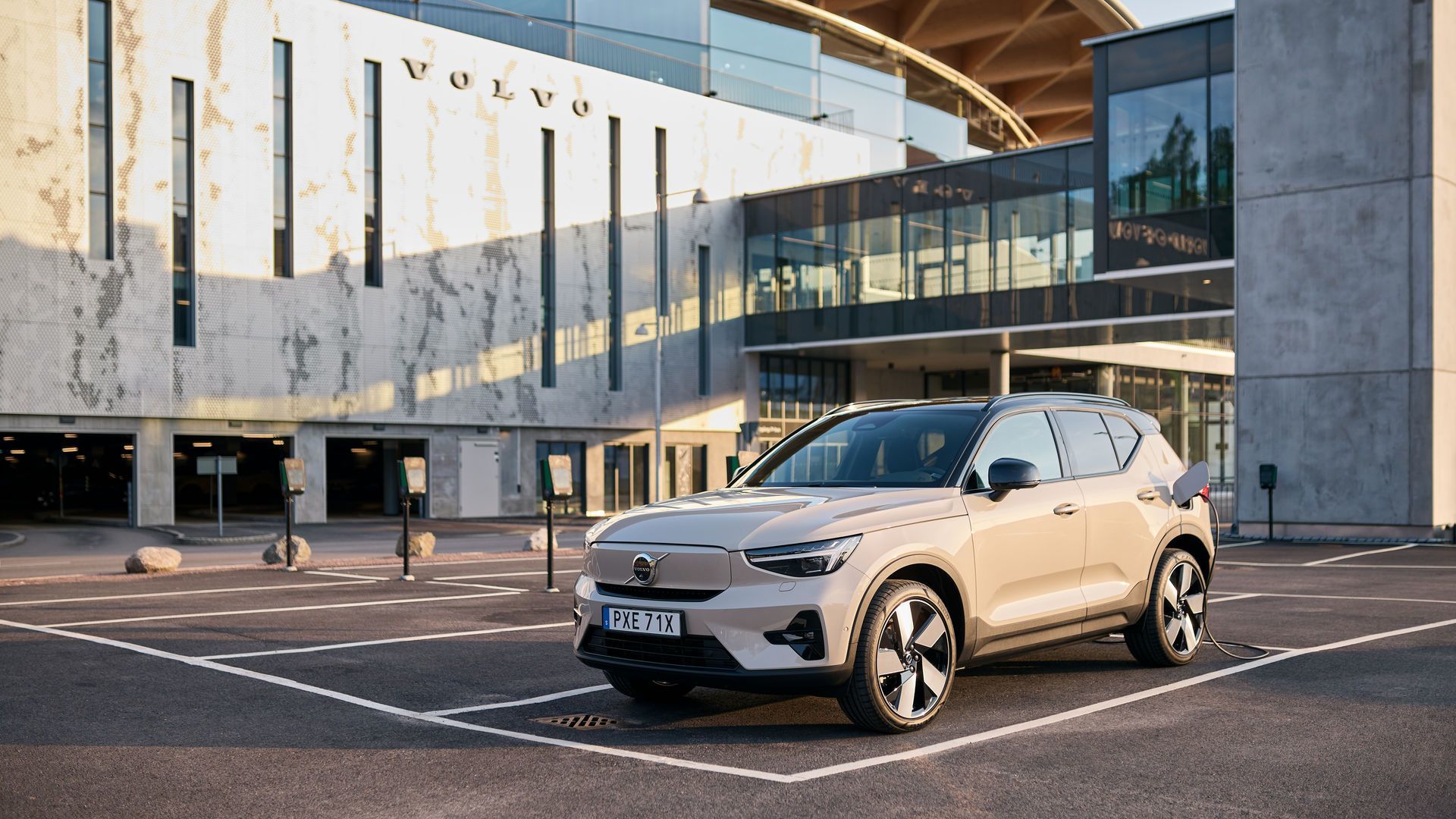
Pixel Technology Headlights for Darker Ontario Evenings in the 2026 Volvo EX40
The clocks have gone back and the commute home now starts in fading light. For Ontario drivers weighing the 2026 Volvo EX40, headlight equipment...
Read morePowered and developed by
